 LetsWobble
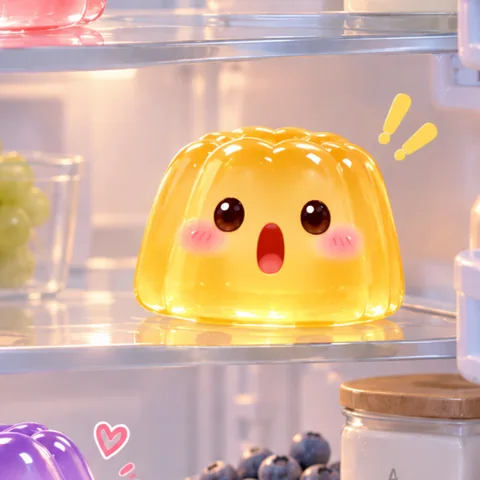
Choose a rhythm
Explore horizontal and vertical movement, rotation, breathing and pendulum motion. Automatic looping keeps the movement going; frequency changes its pace.
Direction · Frequency · Auto loop
A little motion. Your imagination.
A photo. A touch. A whole lot of fun. Give your pictures soft, springy motion, playful reactions and a little atmosphere — all in LetsWobble.
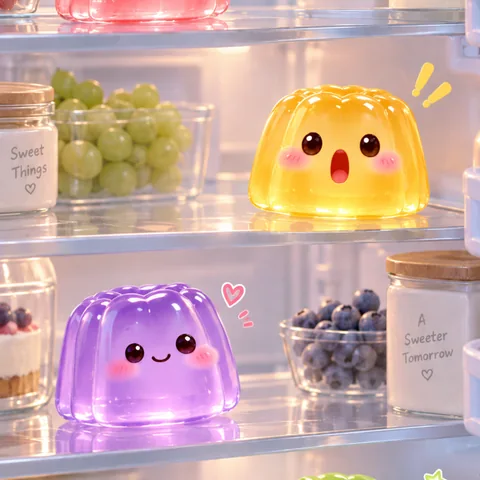
Real app captures · Sample 02 · No sound on this page
From still to playful
Follow the same colorful jelly scene from its first wobble to its finishing touches. Every example below comes from the app, so you can see what each tool actually does.
A slow sway, a soft breath or a lively rebound. Fine-tune how the movement starts, travels and settles.
Explore horizontal and vertical movement, rotation, breathing and pendulum motion. Automatic looping keeps the movement going; frequency changes its pace.
Direction · Frequency · Auto loop
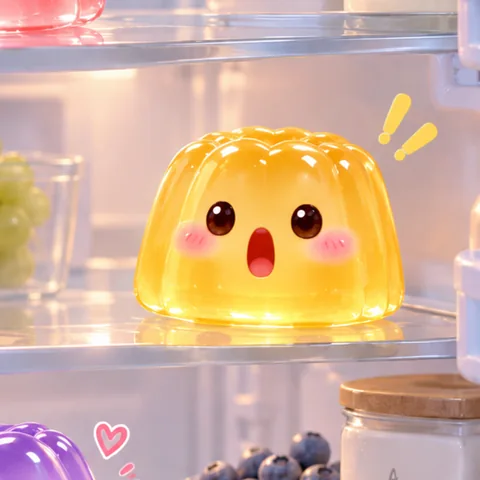
Give the jelly a soft sway or a lively bounce. Tune the strength and settling behavior to see how deformation and rebound change the feeling of the same image.
Elastic motion · Rebound
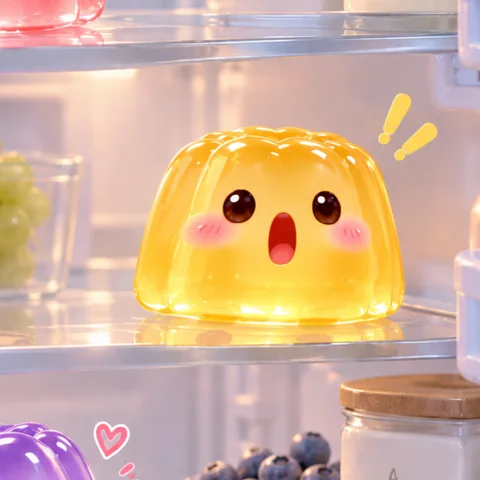
Try gentle wobble, jelly, bounce, wave or liquid presets, then refine the physics. Personal presets can save selected categories of settings for another region.
Saving personal presets requires Pro
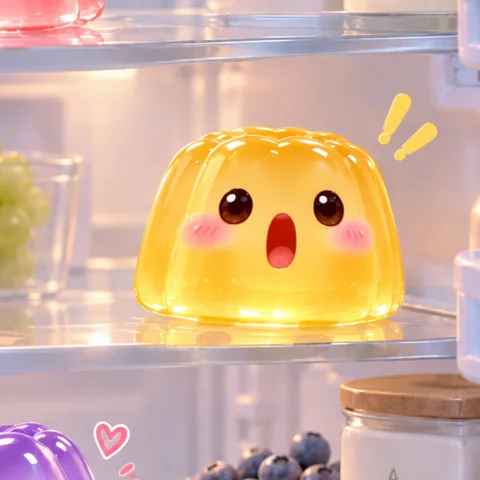
Adjust 3D depth and perspective to add volume to a wobble. Center trajectories control where the region travels, combining position changes with its own deformation.
3D · Perspective · Center trajectory
Give the same scene different ways to respond, from a simple tap to a gentle stretch.
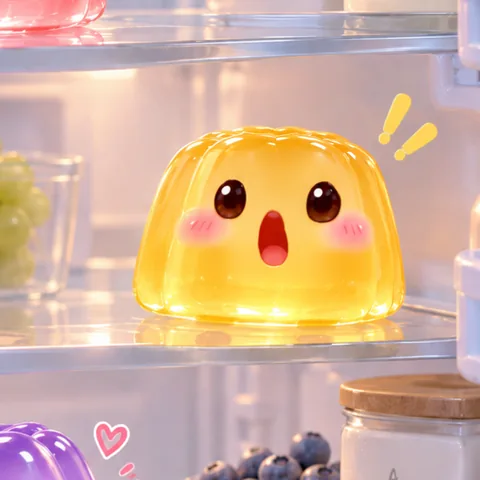
A tap starts an oscillation; a long press can squeeze the region. Watch the shape react while you hold, then settle after release. Trigger modes can be combined where supported.
Tap · Long press
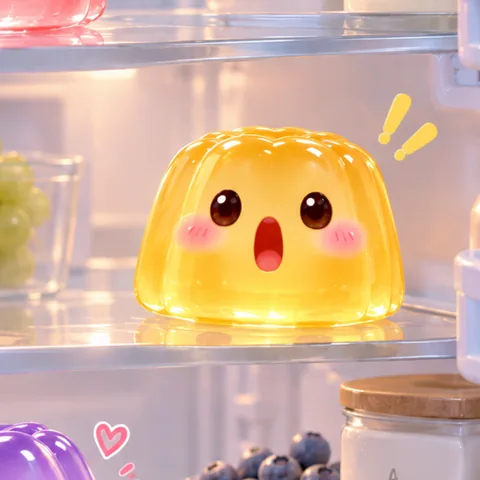
Pull a region with one finger, or stretch between two touch points. The interaction follows your gesture rather than a fixed animation. Available unlocks are shown in the app.
Single-finger drag · Two-finger stretch
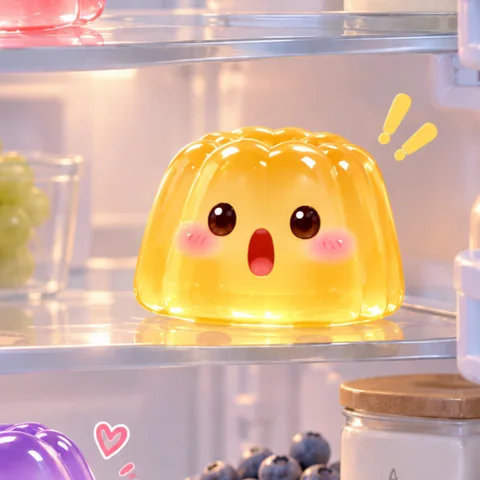
Tilt input pulls the region with the device. Inertial wobble responds to movement with direction and residual motion, then gently returns to an enabled loop after settling.
Inertial controls: Pro · Device support required
Layer a reaction or set the scene. Tap effects and foreground effects give you two different ways to add expression.
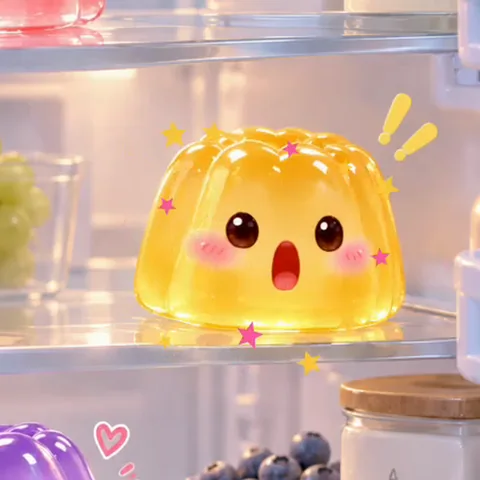
Water splashes, stars, hearts, petals, confetti and coins turn a touch into a visible reaction. Adjust the selected effect to suit the scale of your subject.
Tap effects
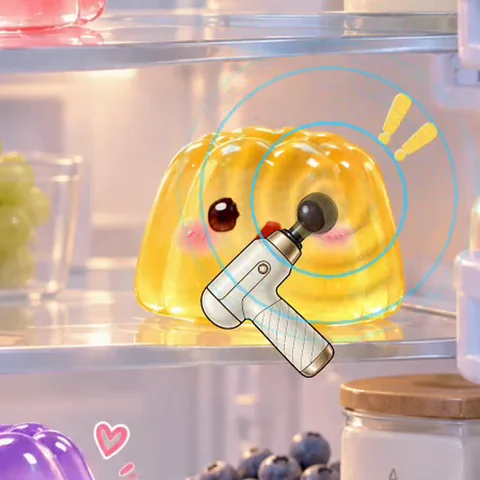
Try comic smoke and motion lines, or add energy ripples and a neon vortex to supported sustained effects. Each treatment gives the same action a different mood.
Comic · Energy · Linked effects
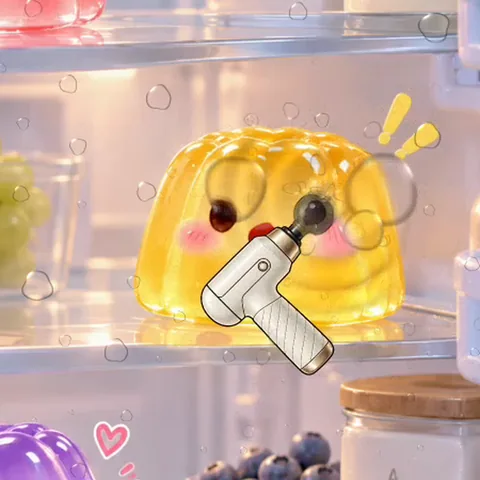
Sustained impact responds while you keep contact with the region. Its strength, ramp-up and linked visual reactions can be adjusted independently of a simple tap.
Sustained contact · Adjustable feedback
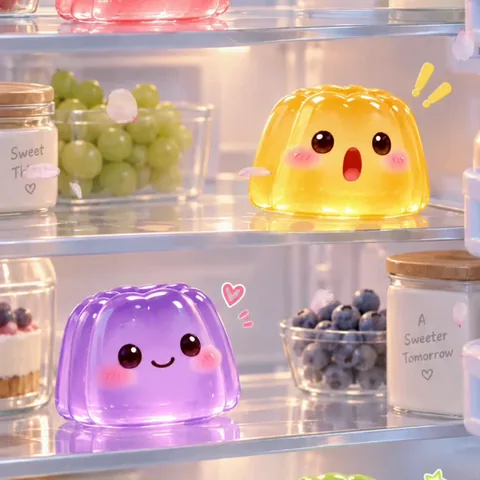
Rain, snow, blossoms, leaves, bubbles and fireflies create moving foreground layers. Supported effects can interact with wobble regions instead of simply passing over them.
Weather · Floating particles
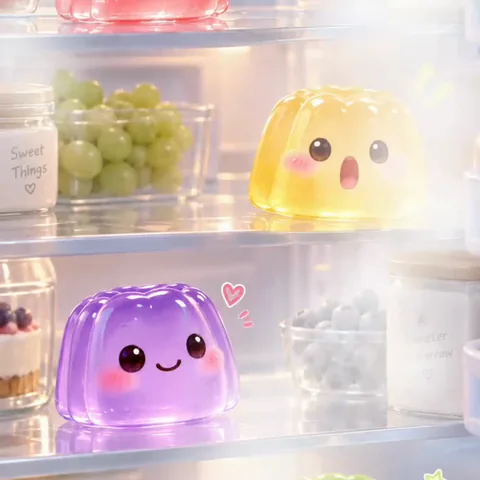
Rising steam or smoke adds a drifting atmospheric layer. Shape the feeling with size, speed, density, diffusion and turbulence controls.
Steam · Rising smoke
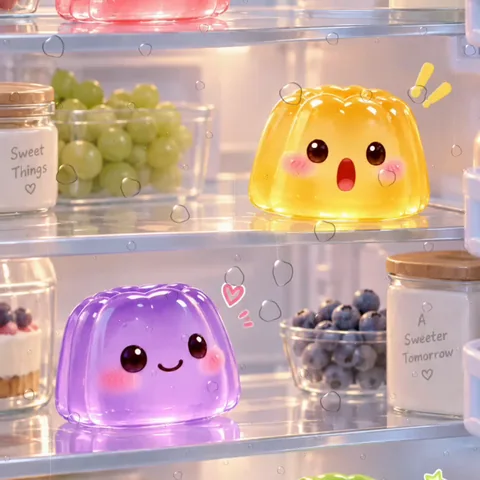
Add glass fog that can be wiped away, or refracting water droplets that slide and merge. Touch interaction makes the foreground part of the experience.
Glass fog · Water droplets
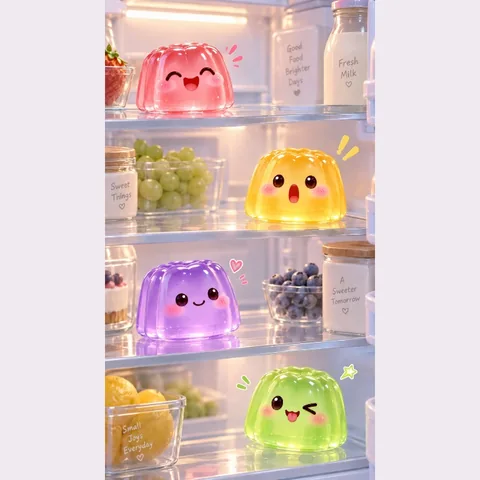
Import a picture or an existing project. Keep experiments organized, and come back whenever inspiration strikes.
Import your own image, open a project package or try a built-in sample. Save ordinary projects to revisit them, and use portable .lwp packages to move your work between devices.
Import · Save · Revisit
Motion begins with a region. Shape it around your subject and leave the rest of the image in place.
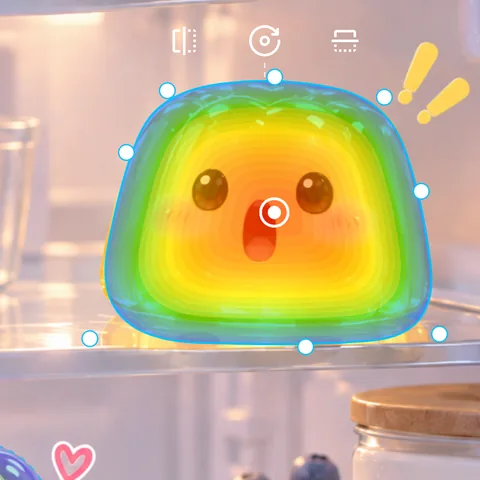
Place and refine wobble regions around the parts you want to animate. Adjust shapes and layering, then use undo and redo to explore without losing your last good idea.
Shape · Layer · Undo / redo
Work with depth, background motion and sensory feedback to finish your creation.
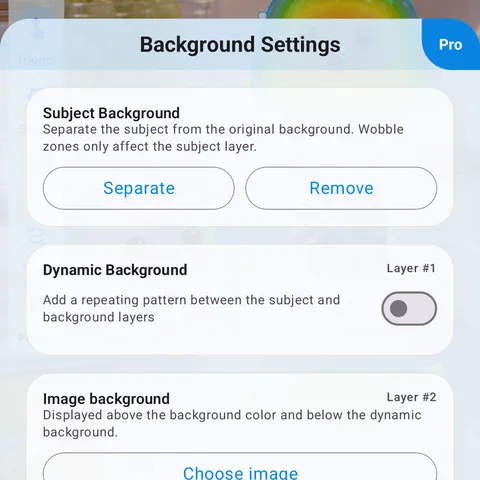
Separate the subject from its background and choose a color or image behind it. Wobble regions act on the subject layer, giving you control over what stays still.
Subject · Image · Color
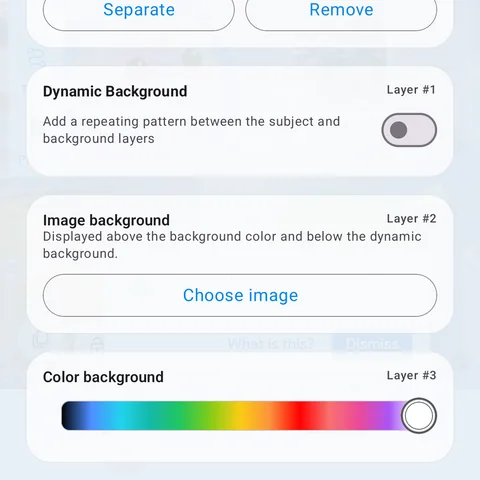
Place looping graphic patterns between the background and the subject. Adjust the available colors and motion settings to complement the foreground.
Looping graphics · Color palette
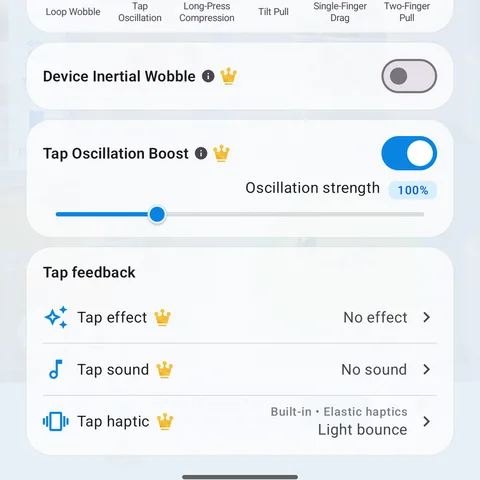
Pair supported interactions with tap sounds and haptic feedback. Explore presets and settings in the app; these silent web previews show the controls, not the sensation of device haptics.
Sound · Haptics · Device-dependent
Preview as you create, capture an interaction or export a loop. Choose the output that fits your idea.
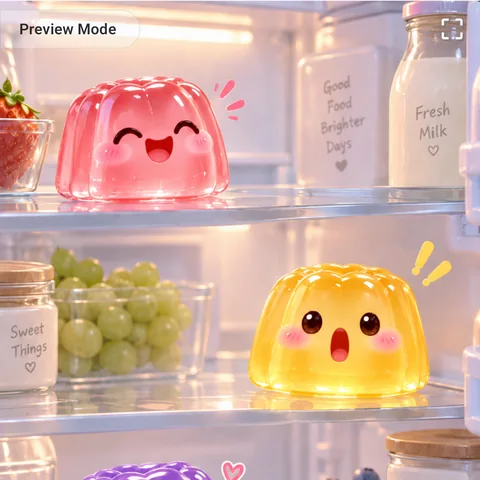
Switch into preview to see physics, interaction and effects working together. Return to the editor to refine the details before you generate an output.
Live preview · Refine · Repeat
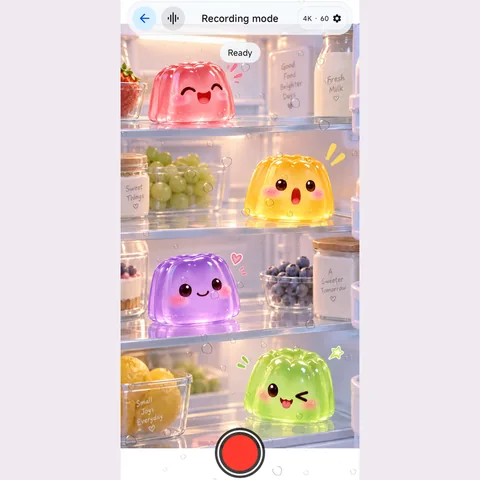
App settings
Record supported interactions, review them on a timeline and generate a replay. Ordinary projects with current Pro access can record; built-in samples and restricted read-only packages cannot.
Interaction recording · Pro
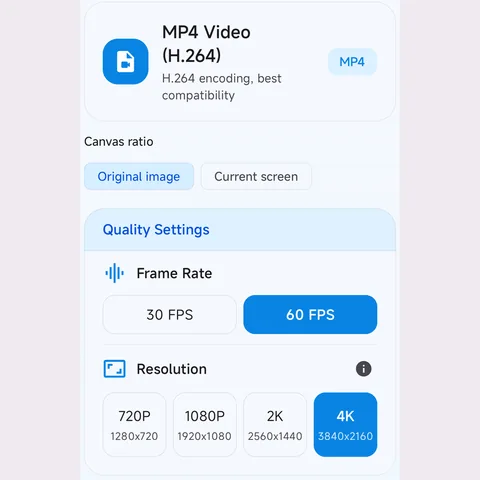
App settings
Generate video or GIF from an ordinary project and choose the available output settings. One-click export bundles the project package, GIF and video into a selected folder.
Video · GIF · One-click export requires Pro
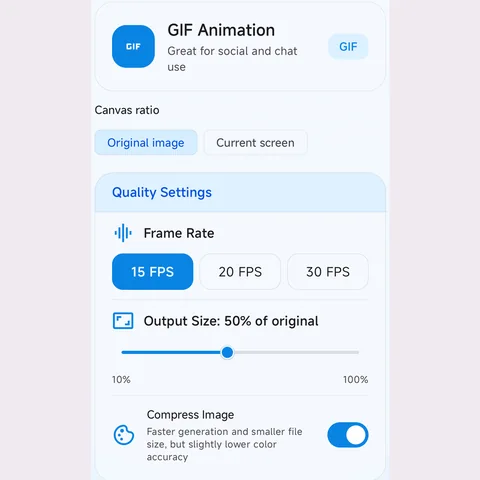
GIF generation settings
Select a 0.1–15 second section of a video and turn it into a GIF. Adjust quality, frame rate and size while keeping the original video unchanged. GIF output has no sound.
Trim · Resize · Convert
Keep your creation close, or carry the project to your next device.
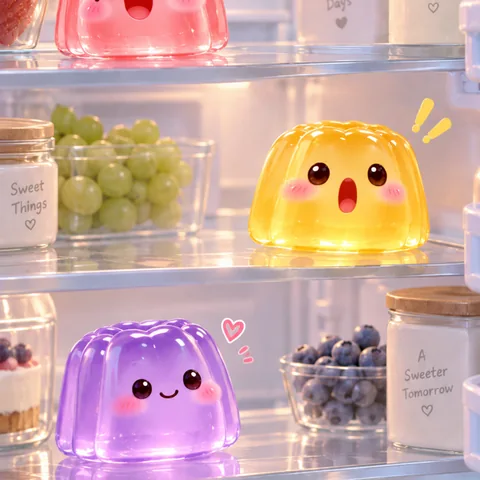
Creation preview · Output follows your platform
Use a creation as an Android live wallpaper with supported interactions. Wallpaper playlists let you arrange changes by time or interval. System behavior depends on the device.
Android · Live wallpaper
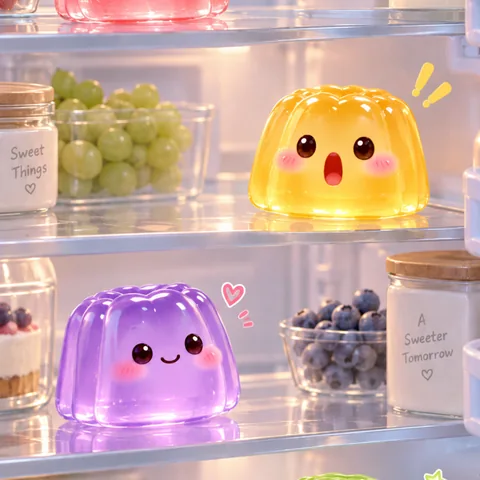
Creation preview · Output follows your platform
On iOS, export supported creations as Live Photos. These are pre-rendered images and motion, not Android-style interactive wallpapers; playback and wallpaper use follow iOS support.
iOS · Live Photo
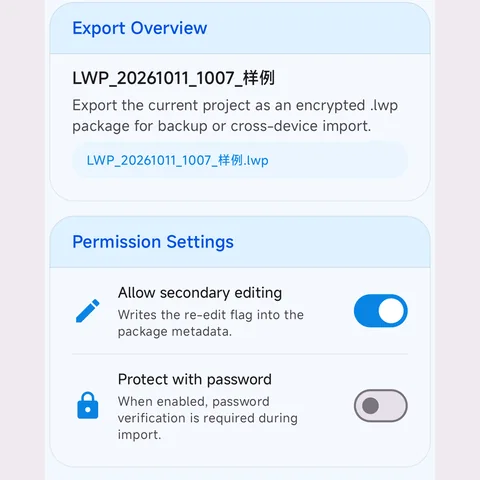
App settings
Export an encrypted .lwp project package for backup or transfer. The package can specify whether further editing is allowed; the receiving app respects that restriction.
Encrypted package · Backup · Transfer
Start with the built-in samples, explore the controls, then discover new ways to play with your own pictures.
Samples let you explore parameters and preview interactions, including Pro controls within the sample session. They cannot be saved, reshaped, recorded or exported. The editing and export-options captures use an ordinary project imported from the Sample 02 source package.
Android live wallpapers can respond to supported touch and device input. iOS Live Photos are pre-rendered media; they do not provide the same real-time interaction. Features and availability depend on the app version and operating system.
Some advanced controls and output workflows require Pro, including interaction recording, saving personal presets and one-click export. Preview access and per-project unlocks vary by feature. Check the labels in your installed app; this page does not promise that every feature is free.
Demos load when visible, with no more than two playing at once. Leaving the section or switching tabs restores a still image. Reduced-motion and data-saving preferences use stills by default; you can always play a demo yourself.